DIPSOMANIA
A 3D bar simulator game
Game Overview

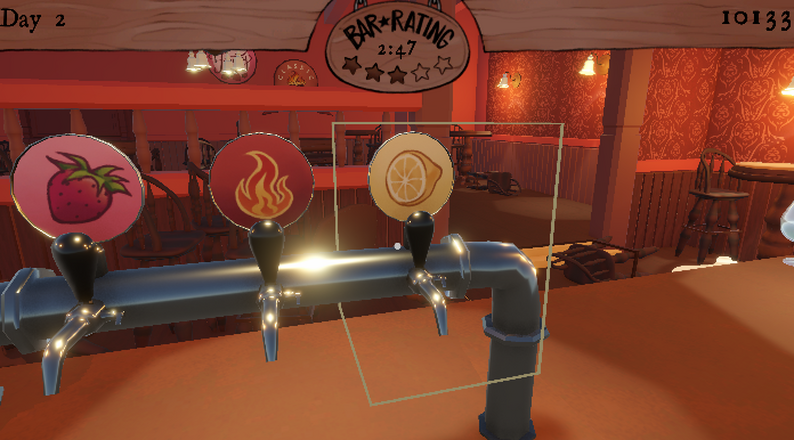
You are Jack, a bartender down on his luck and out of money. Your banker threatens to shut down your bar, and you have 3 days to clean your act up. Better yet, your rival Henry seems to be getting in your way. Show him who's boss and save your bar from destruction!
- Serve your loyal goth patrons three types of drinks and three types of glasses in a fast paced battle against the clock.
- Relieve your pent up stress by destroying your competitor's bar!
- Clean up your bar and figure out how to keep your bar from closing down.
- Get drunk!!
Key Features
Drink Serving
Choose from three types of drinks (🍓 Fruity, 🔥 Smoky, and 🍋 Sour) and three types of glasses (🍷Brandy, 🍸 Cocktail, and 🍺Whiskey) to serve your customers.
Bar Management
Keep your bar clean and organized by sweeping up broken glass. Move chairs and tables back to their original positions.
Keep your Bar Running
Fight off rival bar owners (Henry) trying to sabotage your success by trashing their bars!
Race Against the Clock
Clean up and serve your customers to keep your bar running before the banker shuts down your bar!
Development
DIPSOMANIA was developed as part of Texas A&M University's Visualization Vertical Studio VIST 305. I was the lead developer in a team of 6 students. We used Unity and C# with Plastic SCM for version control.
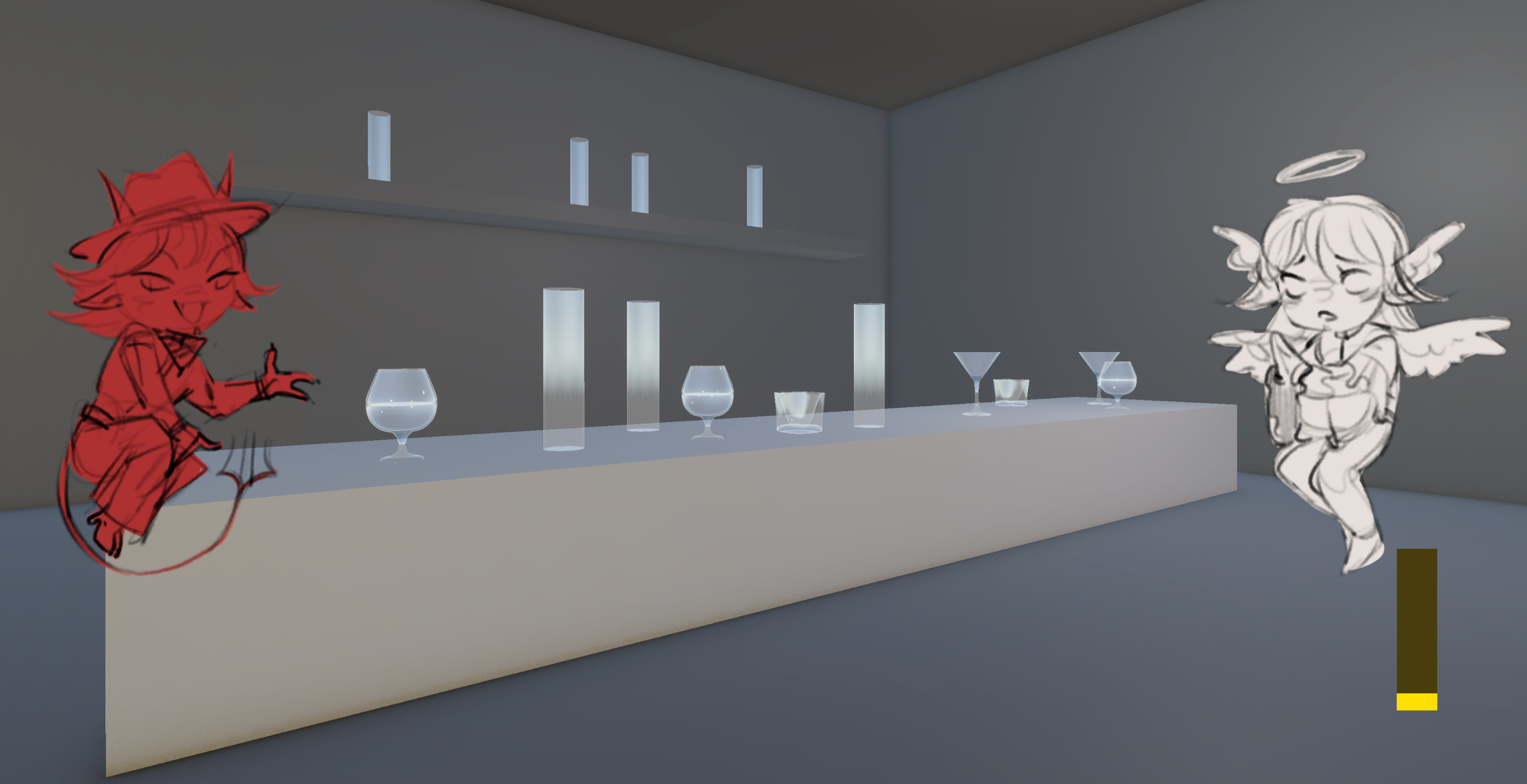
I started by prototyping the bar and the different elements of the bar.
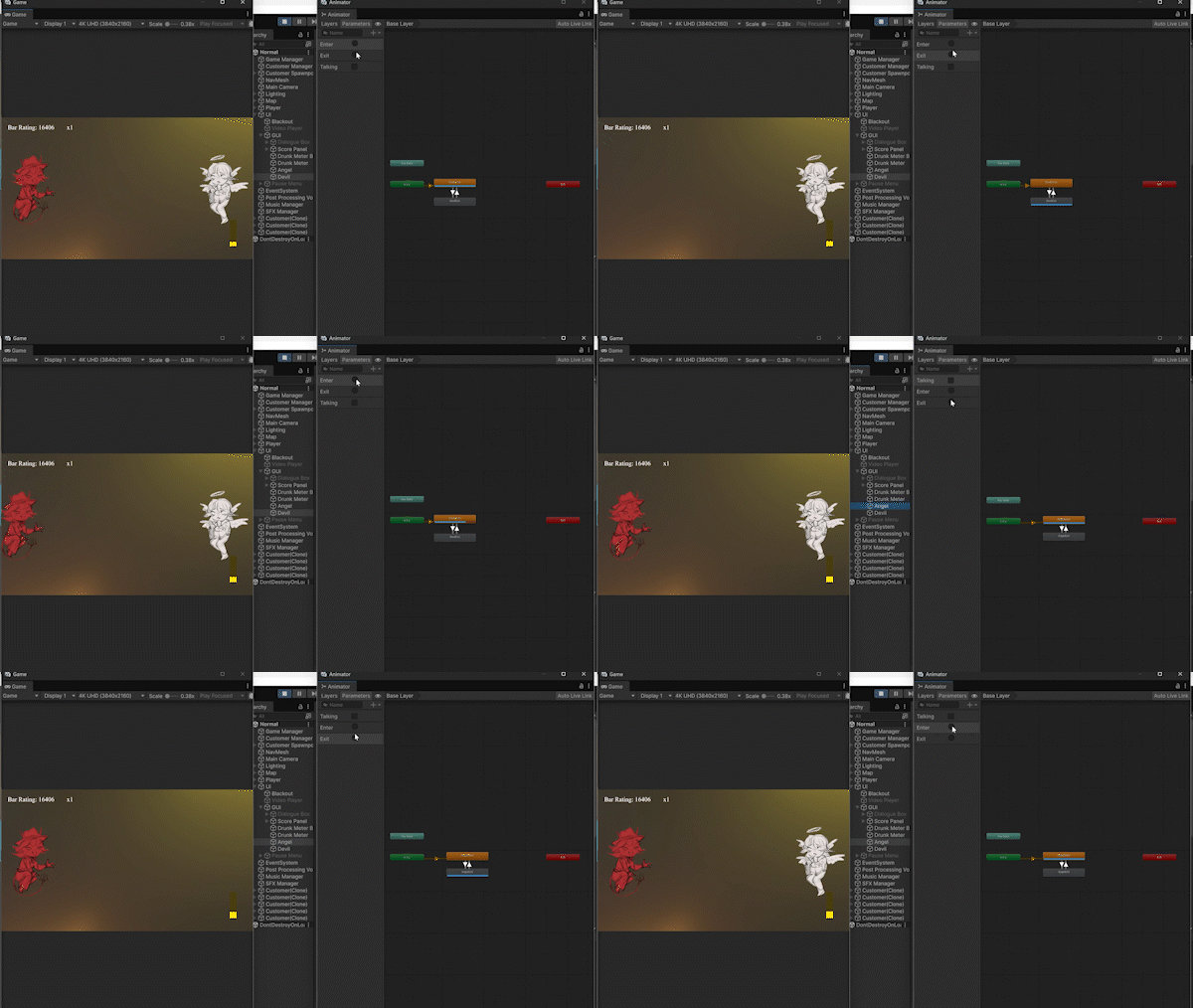
One of the first things I worked on was the UI statemachines for the angel and devil which represented Henry's moral compass.
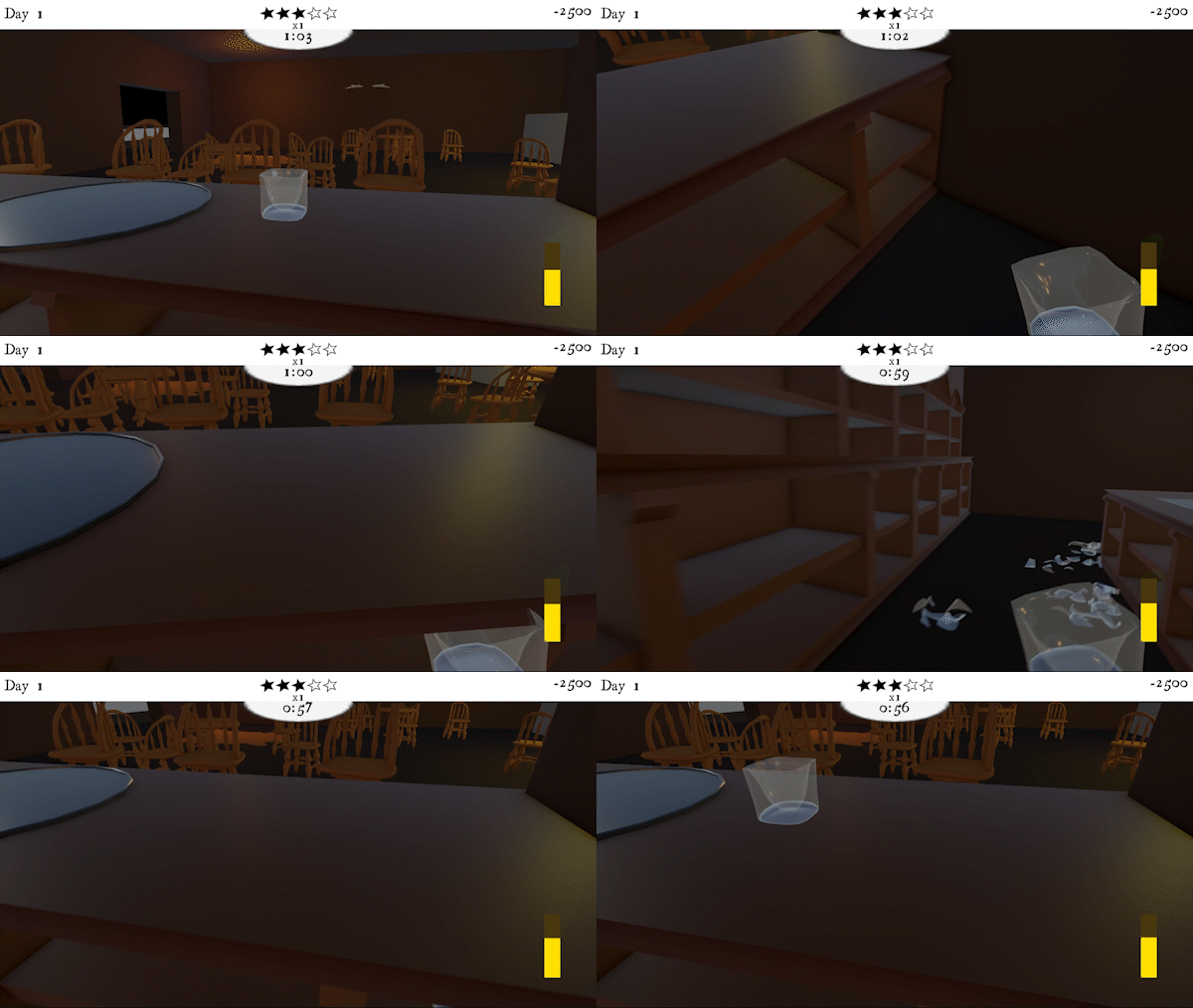
I then began working on picking up, placing down, and breaking drinks.
After getting the new bar layout, I started prototyping the cleaning up mechanic where the player cleans up chairs and tables. This would reset their position back to their original position. Their original positions and rotations are determined by the Start() function.
void Start()
{
originalPosition = transform.position;
...
lastRotation = transform.rotation;
...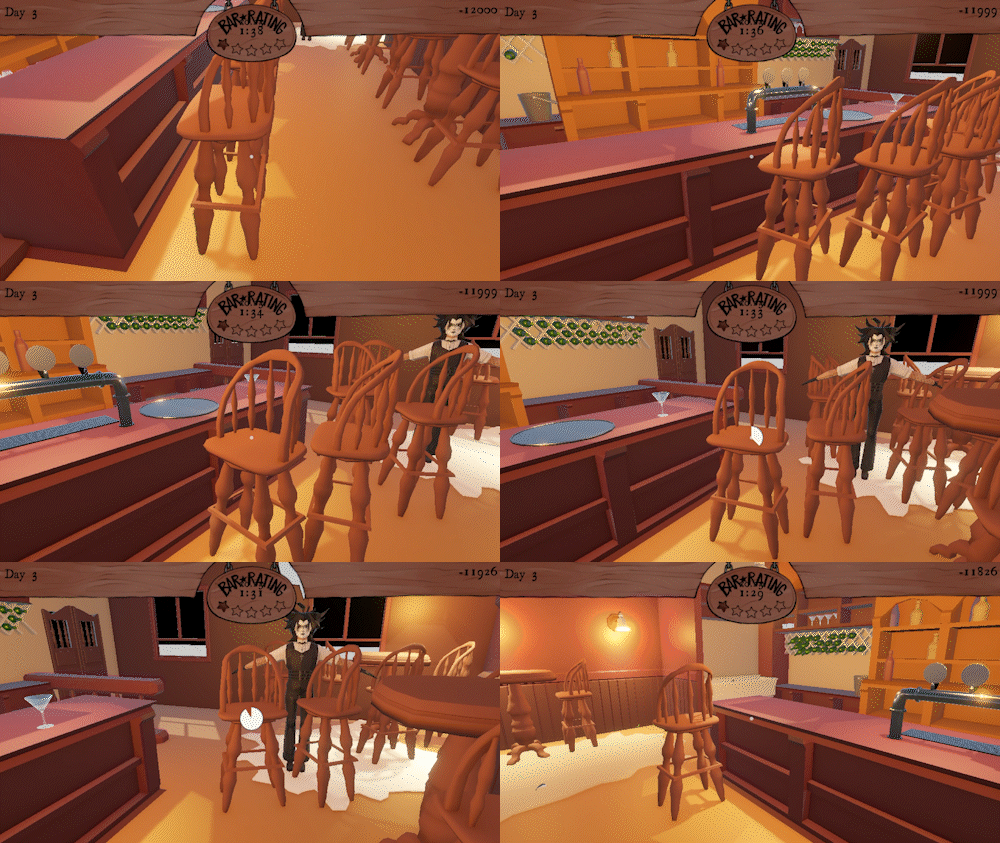
The cleaning mechanic in action, resetting furniture to their original positions.
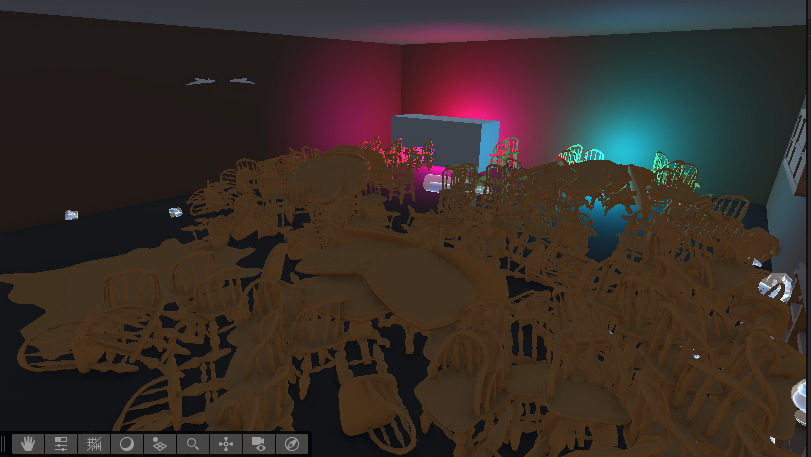
To switch between the day and night scenes, but wanting for objects to persists across scenes. I created a singleton script for the map. But before I implemented that, chairs and tables would accumulate across scene changes creating a mess.
using UnityEngine;
using UnityEngine.SceneManagement;

public class MapManager : MonoBehaviour
{
    private static MapManager instance;
    public static MapManager Instance => instance;

    // Don't destroy on load
    void Awake()
    {
        // Singleton pattern - destroy duplicate instances
        if (instance == null)
        {
            instance = this;
            DontDestroyOnLoad(this.gameObject);
            SceneManager.sceneLoaded += OnSceneLoaded;

            UpdateScale();
        }
        else
        {
            Destroy(gameObject);
        }
    }

    void OnDestroy()
    {
        SceneManager.sceneLoaded -= OnSceneLoaded;
    }

    void OnSceneLoaded(Scene scene, LoadSceneMode mode)
    {
        UpdateScale();
    }
    void UpdateScale()
    ...
I also had to flip the x scale of the map to try to make Jack and Henry's bar look different.
I had the customers pathfind into the bar and choose a random drink according to their preference.
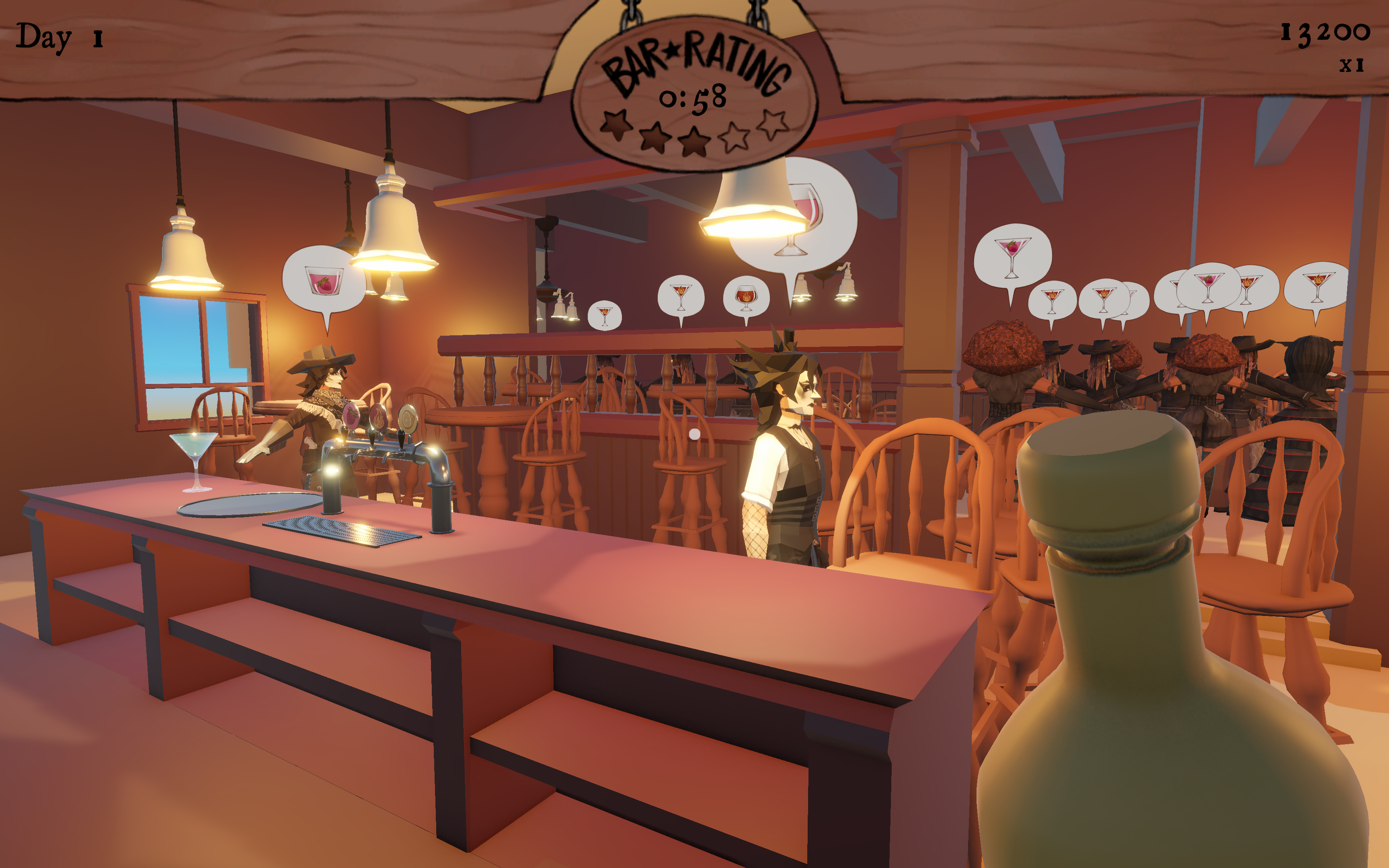
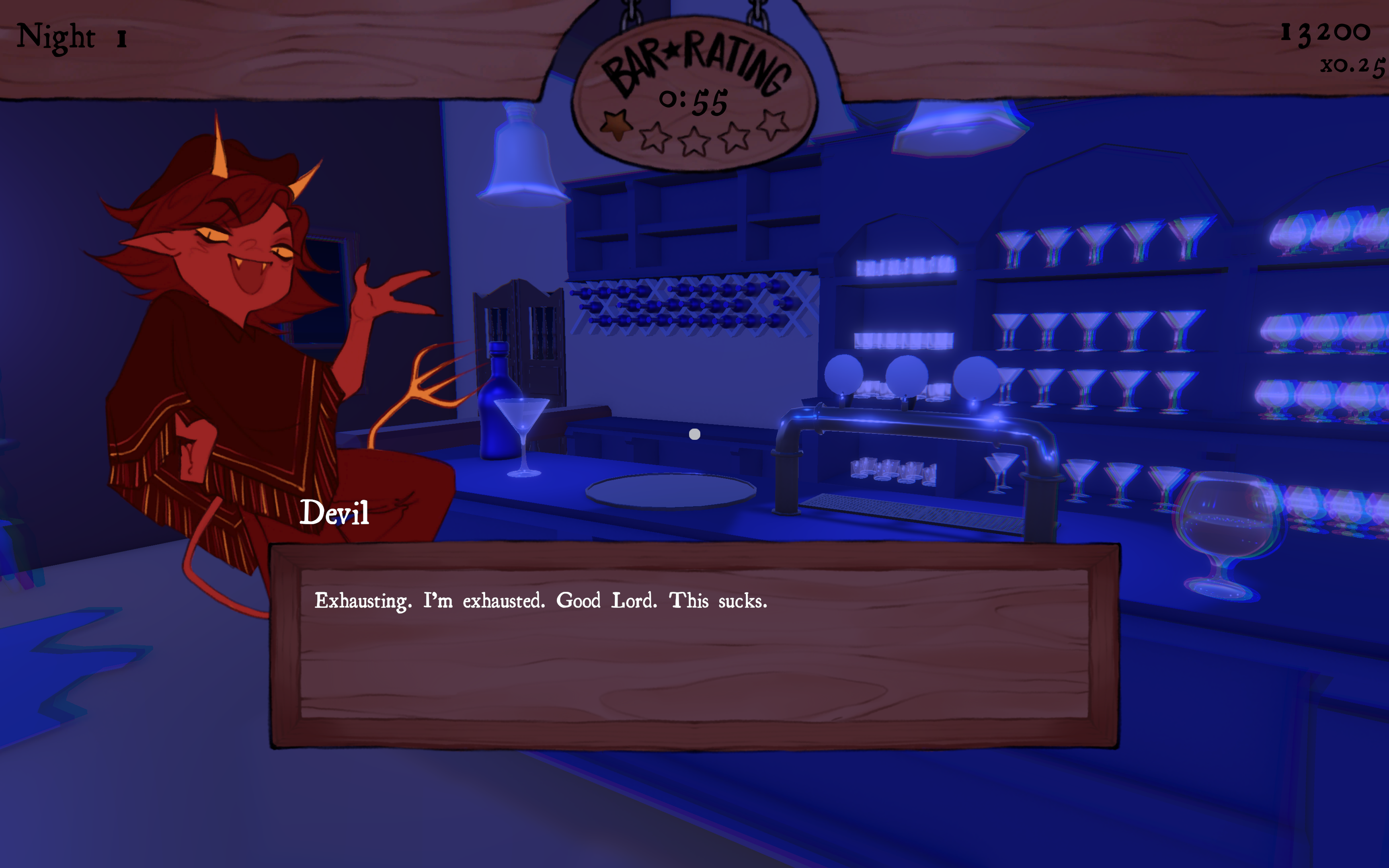
I also added reading dialogue from .csv file for the angel, devil, and customers
I also implemented the different possible endings.
As well as creating a playtest survey.


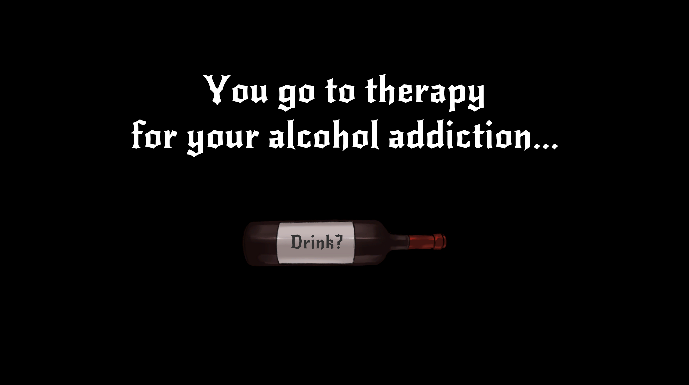
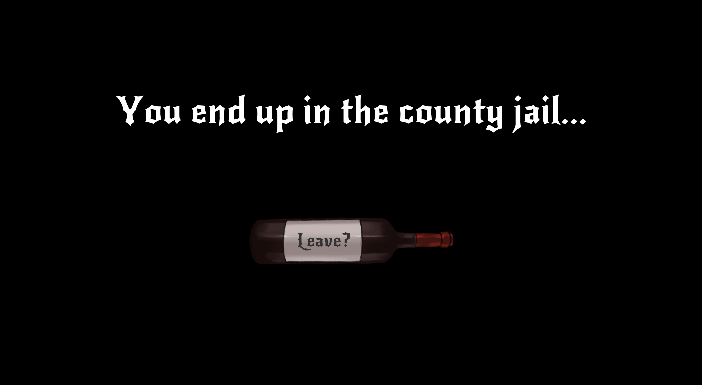
I added interactions such as the piano, divorce papers, wedding ring, and potion.
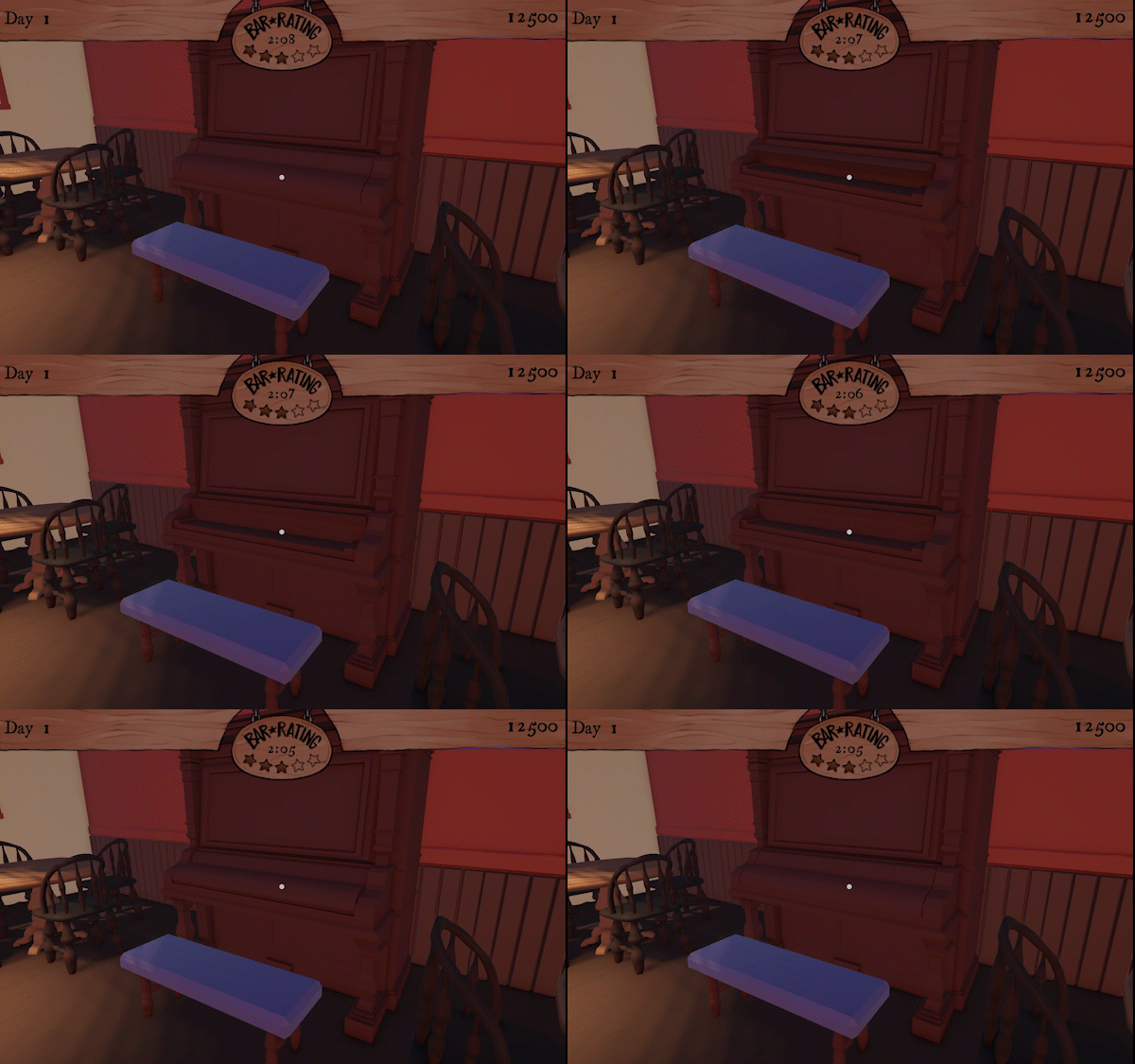
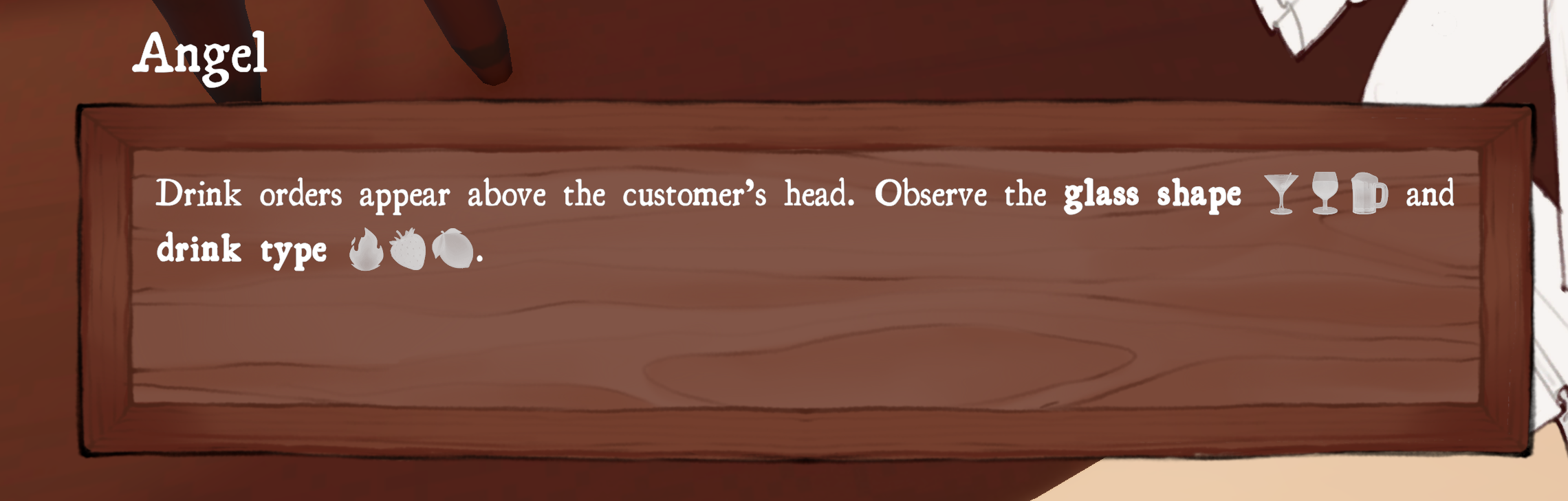
I also figured out why emojis weren't being rendered properly when read from the .csv file. It was because the .ttf (font file) didn't have the emoji characters. So using an emoji font as a fallback solved the issue.
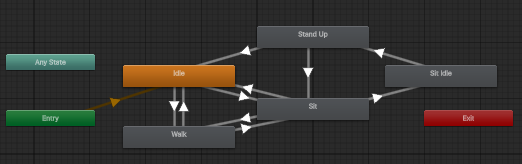
Since having new customer animations, the customer state machine was updated to handle the new animations.
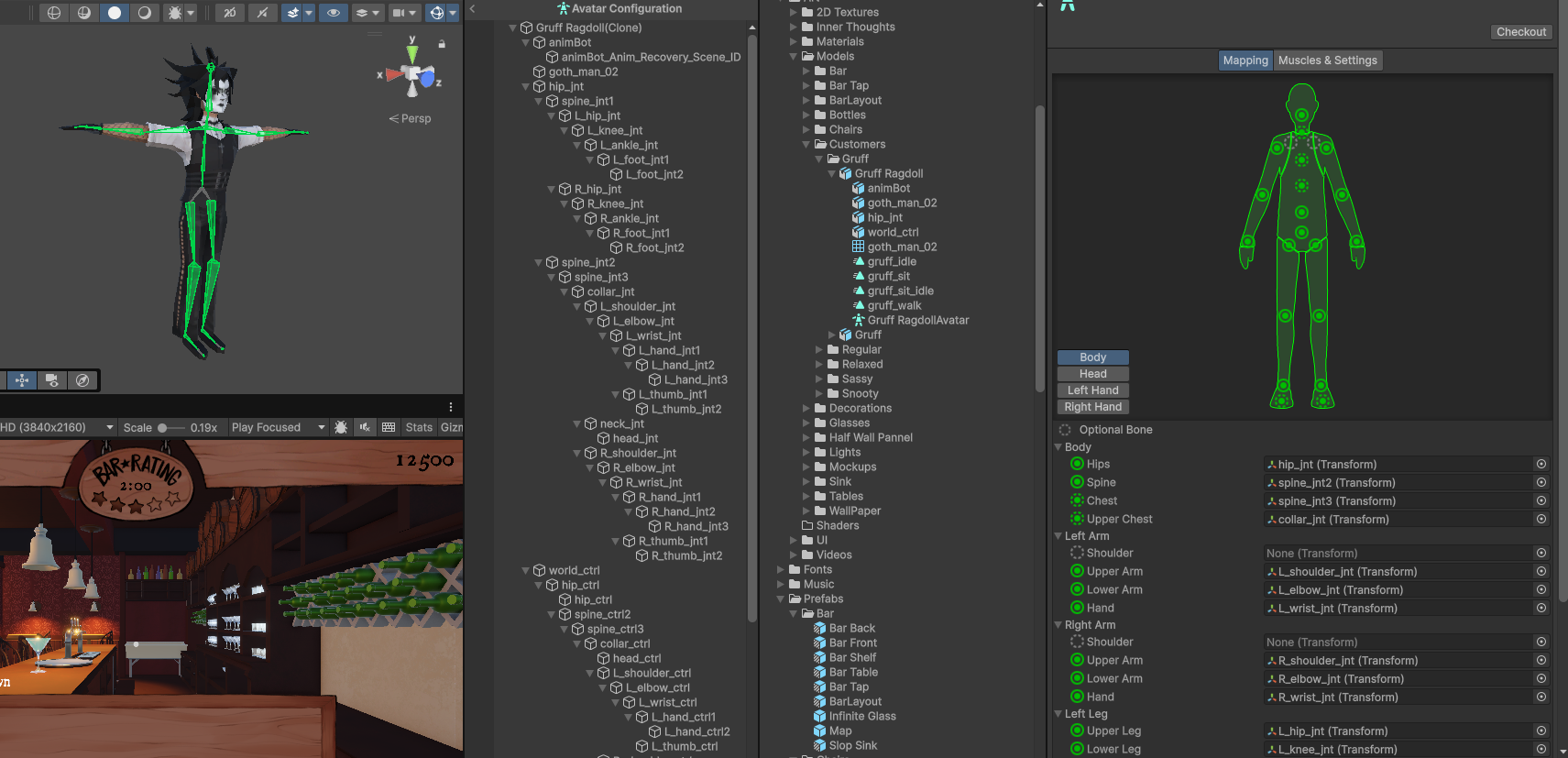
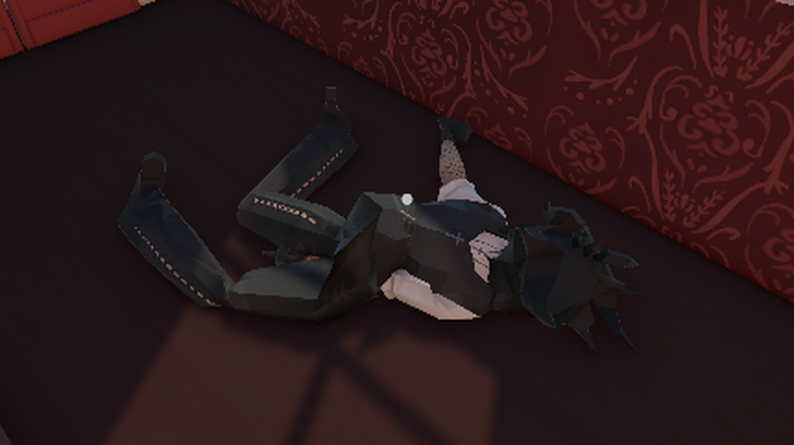
Adding a ragdoll for the banker was a lot of fun to work on.
Adding Assembly Definitions made the project compile a lot faster. This way scripts only recompile when something that they reference changes. I really wish I had done this sooner. This also has the added benefit of making your code more modular and organized.
{
  "name": "GameScripts",
  "rootNamespace": "",
  "references": [
    "Unity.InputSystem",
    "Unity.Cinemachine",
    "Unity.TextMeshPro",
    "Unity.RenderPipelines.Universal.Runtime",
    "Unity.RenderPipelines.Core.Runtime",
    "QuickOutline"
  ],
  "includePlatforms": [],
  "excludePlatforms": [],
  "allowUnsafeCode": false,
  "overrideReferences": false,
  "precompiledReferences": [],
  "autoReferenced": true,
  "defineConstraints": [],
  "versionDefines": [],
  "noEngineReferences": false
}
Conclusion

DIPSOMANIA was a fun project to work on. I learned a lot about the important of good UI and UX design. I also learned a lot about the importance of good code architecture and design. There are a lot of things I would do differently if I were to do it again. For example, focusing more on the core mechanics would have been better while prototyping. However, I'm still proud of what my team was able to do and I'm glad I was able to learn a lot from it.